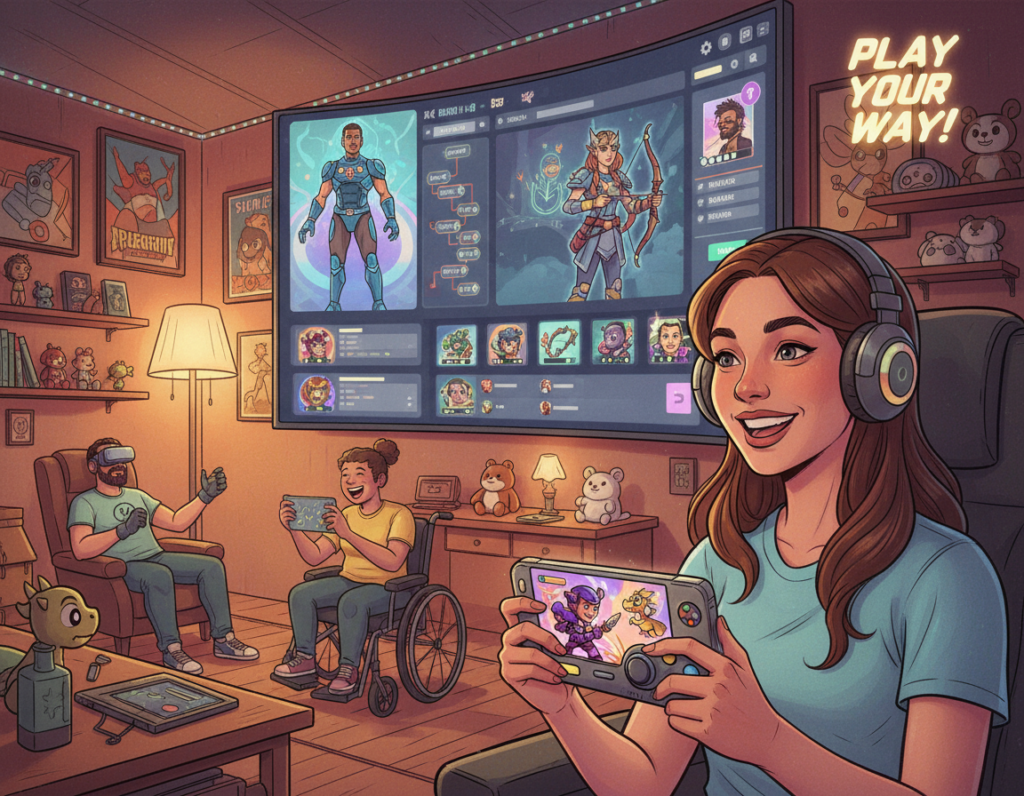
Smooth movement and clear cues shape how people understand a virtual world. Designers balance visible HUDs and in-world signals to keep attention without breaking immersion.
Greg Wilson calls HUDs a direct pipeline from developer to user. Brice Morrison warns that too many on-screen elements can make a title feel like a word processor.
James Swallow highlights that environmental narratives let players discover story beats on their own. Emily Brown describes three levels of immersion that depend on how information is delivered.
Practical cues matter: Unreal Tournament 3 uses color to mark team territory, lowering cognitive load and guiding movement. By weaving signals into the space, designers help people answer core questions about purpose and direction.
Ultimately, the goal is a seamless path where participants feel like a natural part of the setting. Clear design keeps focus on play and story while preserving the sense of presence.
Understanding the Importance of a Fluid Game Navigation Experience
A fluid control and wayfinding system keeps players in the story rather than wrestling with menus. This directly affects retention and how long people remain engaged with a title.
Greg Wilson notes that HUDs are useful but can feel like an artificial overlay in many modern video games. Overreliance on such elements pulls attention away from the world and reduces immersion.
When interfaces read like productivity tools, immersion is compromised.
Designers therefore balance visible aids and in-world signals. They must tailor strategies by genre so the player can learn controls faster and focus on the story and action.
- Minimize persistent overlays to encourage exploration.
- Use environmental cues to support rapid learning.
- Test paths so time is spent interacting with the world, not the HUD.
Effective systems feel organic. Creating them requires deep study of perception, testing, and iterative design to keep the gaming experience intuitive and immersive.
The Role of Heads Up Display in Modern Gaming
Heads-up displays shape how players read a virtual space and decide what to do next. Designers choose HUD styles to balance clear information and immersion.
Diegetic vs Non-Diegetic Interfaces
Diegetic interfaces live inside the world and can be seen by characters. Marcus Andrews points to examples like the holographic readouts in Dead Space.
Non-diegetic elements sit outside the scene and speak only to the player. Compasses or status bars in Call of Duty deliver directions without existing in the world itself.
The Purpose of Persistent Elements
Spatial HUDs place information inside 3D space—character outlines in Left 4 Dead help players act fast. Meta representations, such as blood spatter on the screen, signal status without a physical object.
Michael Hartman warns that too much guidance can break immersion, while Benjamin Sell suggests realism effects should be used carefully for mature audiences.
- Choose HUD types to support learning and quick decisions.
- Match persistent elements to the story and the tasks players must perform.
- Test with students and users to find the right balance for virtual environments.
“Understanding interface types lets designers create more immersive virtual environments.”
Challenges to Player Immersion
Designers struggle to deliver useful cues without reminding players they sit behind a screen. Persistent overlays can provide vital information, yet they often act as a barrier to presence. Greg Wilson warns that HUDs are efficient but can feel like an artificial layer between the individual and the virtual world.
Brice Morrison credits titles such as Dead Space for removing traditional HUDs to make the setting feel like a real, derelict ship rather than a video game. That choice helps participants feel part of the place instead of observers.
Michael Hartman highlights another pitfall: obvious arrows or trails can pull players out of the story. Students of design learn that every element on the screen must earn its place.
Key tensions remain: provide enough guidance to finish tasks, but avoid intrusive cues that break immersion. Studies show participants feel more connected when interfaces integrate into environments rather than float above them.
“Removing or minimizing HUDs is a crucial step for developers aiming to create a more immersive gaming experience.”
- Minimize non-diegetic elements where possible.
- Prioritize in-world signals that match the narrative.
- Test with students and users to measure real effects on presence.
Defining Environmental Narratives
Environmental storytelling lets players uncover a location’s past by following clues, not by reading blocks of text.
James Swallow defines this approach as discovery rather than delivery. The player pieces together the story by interacting with objects, sounds, and signs in the space.
Discovery Versus Delivery
Matt Small calls a virtual environment a playable ecosystem where nonplayer characters and AI act independently. That autonomy makes found details feel earned.
Left 4 Dead shows this well: graffiti in safe rooms gives directions and warns players about hazards without pausing play. Small clues act as both lore and practical information.
- Less text, more clues: place evidence in the world.
- Design effort: level designers must craft believable artifacts and paths.
- Learning by doing: students and participants learn skills through exploration.
Embedding information into the environment answers players’ questions about purpose and place.
When done right, these narratives deepen immersion and make the world feel like an active, discoverable place rather than a static backdrop.
Integrating Storytelling into Game Environments
Designers can teach risks and rules by staging small scenes inside the world rather than writing long tutorials. This method turns abstract rules into visible actions that players remember.
Half Life illustrates this well: an NPC shows the danger of sand, so the learner sees a hazard instead of reading about it. That single moment supplies both warning and context.
James Swallow argues that showing beats with characters outperforms walls of text. Using events as environmental narratives keeps immersion high and reduces reliance on on-screen aids.
Good integration requires planning. Every prop, room layout, and NPC action must communicate clear information about tasks and risks.
- Teach by observing: scripted moments replace long instructions.
- Embed clues: items and layout guide behavior naturally.
- Test with students: they learn faster when they discover things themselves.
When designers weave story into the environment, the result is a more cohesive video game world. Participants recall lessons learned through play, and the overall gaming experience feels more believable.
For practical methods on this approach, see a concise guide to narrative integration.
The Three Stages of Immersion
Emily Brown describes immersion as a stepwise journey that reflects how individuals invest attention and emotion into a virtual setting.
Engagement
Engagement is the initial pull. Players must overcome barriers of time, effort, and attention to care enough to continue.
Clear tutorials, inviting hooks, and simple tasks help move someone past this threshold.
Engrossment
At engrossment, construction matters: well-designed systems and cohesive game features shape mood and emotional response.
Here, audio, visuals, and pacing work together to hold attention and deepen interest.
Total Immersion
Total immersion is reached when the world eclipses the room and external concerns fade.
Brown notes that empathy and atmosphere are critical barriers. To reach this level, every part of a title must support focus without obvious friction.
“When systems, narrative, and sensory design align, participants report feeling cut off from reality.”
Students of design study these stages to learn how to craft virtual environments that guide players from casual play to sustained presence.
- Design for clear engagement hooks.
- Combine features to nurture engrossment.
- Polish atmosphere to enable total immersion.
For empirical context on immersion thresholds, see the immersive threshold study.
Real World Parallels in Wayfinding
Theme parks teach visitors through staged scenes and subtle cues embedded in the setting. Designers like Carson note that physical spaces often carry story elements that guide guests without text.
When people enter unfamiliar places they ask three basic questions: Why am I here? What is my relation to this place? and How does it affect me? Theme parks answer these through props, sightlines, and themed routes rather than instructions.
These methods translate well to a digital design. By borrowing environmental narratives, developers can teach tasks and foster learning without breaking immersion.
- Use landmarks: obvious visual anchors help participants find the intended route.
- Embed story in space: props and lighting can convey directions and context.
- Foster self-discovery: let players learn skills by exploring rather than reading lists.
- Test with students: observe how real people follow trails and adjust cues accordingly.
Seen this way, real-world wayfinding offers a practical template for better navigation in a game world. Designers who apply these lessons can improve learning, preserve immersion, and make virtual environments feel like a cohesive place.
Utilizing Color and Light for Orientation
Color and lighting act as a silent language that helps people find their way through dense virtual scenes. Designers use palettes and contrast to mark safe zones, hazards, and points of interest without cluttering the screen.
Using Color Schemes for Team Territories
In Unreal Tournament 3, red and blue schemes clearly signaled ally and enemy areas. That simple choice cut decision time and reduced mistakes during fast play.
Carson notes that color, lighting, and texture shape mood in themed spaces. Bright warm tones raise excitement while cool dim light can create dread.
- Use bold hues to highlight objectives and subtle tones for background space.
- Combine light falloff and color saturation to define a place or trail.
- Test colors with students and participants to improve learning and immersion.
“Every layer of lighting contributes to how individuals read a virtual world.”
Key point: mastering color and light is a practical skill that helps designers build beautiful, usable environments that guide attention and support tasks.
Implementing Landmarks and Breadcrumbs
Simple visual anchors help people place themselves in a complex virtual layout fast. Landmarks and breadcrumb trails guide users without cluttering the screen.
John Muhlhausen argues that wayfinding is more than signs. People in unfamiliar environments need cues that show location and the layout of the place.
Designers can borrow the Saknussemm technique: leave a chain of clues from a predecessor so participants follow a meaningful trail. Diablo II used a line of larvae to lead players to Duriel, creating a natural sense of progression.
Practical benefits:
- Landmarks reduce confusion and speed up learning of the map.
- Breadcrumbs give directions without breaking immersion or forcing menus.
- Every object, light, or texture can act as a memory aid for the next task.
When placed with care, environmental narratives deliver information as part of the story. The author notes this keeps participants focused on the world and rewards exploration.
“People need clear visual cues to understand their location and destination.”
Best Practices for Designing Intuitive Paths
Designing intuitive paths means giving people freedom while keeping them moving toward clear goals. Paths should read like natural choices in the environment, not instructions pasted over the scene.
Balancing Player Autonomy
Players must feel in control even when subtle guidance keeps them on track. Use landmarks, lighting, and object placement to suggest routes without forcing a single way to play.
Allow choice: provide multiple routes with different risks or rewards so users can explore and still reach the task.
Reducing Cognitive Load
Keep on-screen information minimal. Visual cues embedded in the world cut mental clutter and help players focus on action and story.
- Limit overlays: favor in-world signs over persistent bars.
- Chunk information: present one clear goal at a time.
- Test and iterate: observe how people follow paths and refine cues.
“Players learn fastest when the environment teaches through placement and light, not instruction.”
Conclusion
,Intuitive routes and meaningful props make a setting feel like a place worth exploring. Smooth movement and subtle cues reduce friction so players spend more time in the world and less checking overlays.
Prioritizing environmental narrative over persistent HUDs helps tell a clearer story. The three stages of immersion show why each design choice matters for emotion, attention, and retention.
As the industry evolves, focus shifts to thoughtful systems that grant autonomy and respect attention. Practical design choices create a stronger bond between participant and setting.
Final point: thoughtful, in-world signals craft a richer gaming experience and keep the story central. This guide aims to help teams make better choices for player-focused design.