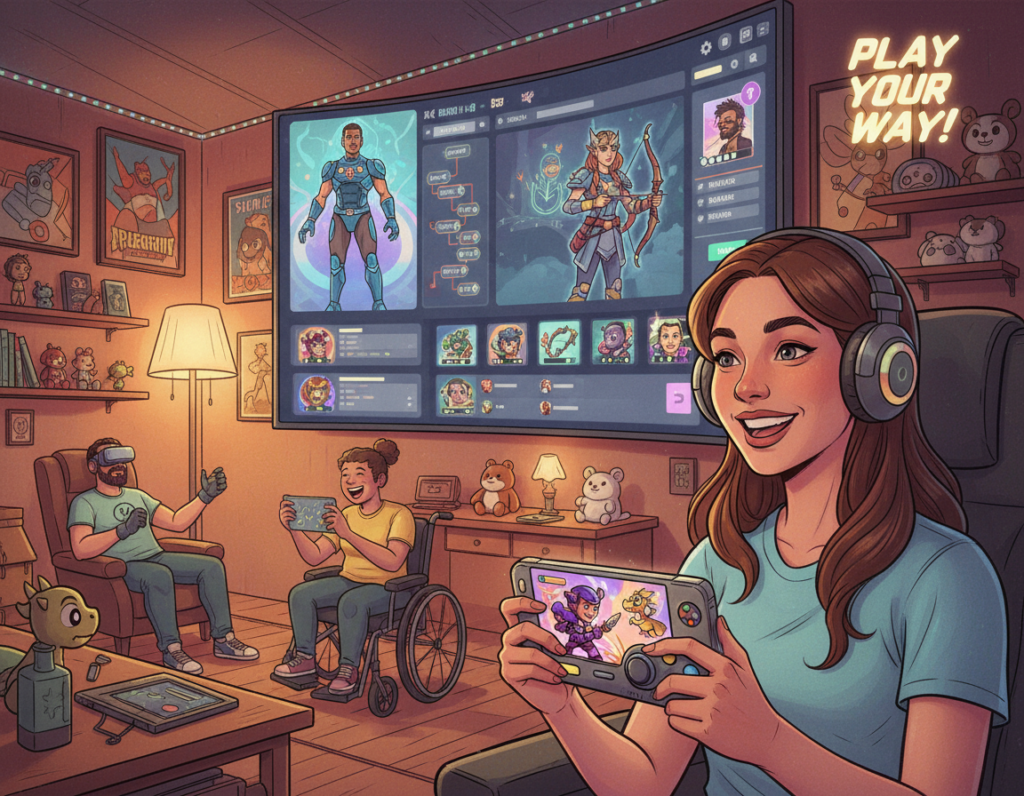
The video game industry now asks more from creators than ever before. In 2026, professionals see UX design in games as the bridge between complex systems and the player.
Successful teams focus on clear interfaces and smooth flow. They tune each element so a player moves through a level without friction.
Good work balances creative goals with usability standards. That balance helps a user feel immersed rather than confused.
Modern titles rely on more than visuals. The whole experience is shaped by how intuitive the controls, menus, and feedback feel during intense, fast-paced play.
By centering the player, developers make games accessible to millions worldwide. The aim is simple: make the interface invisible so the game itself takes center stage.
Defining the Role of UX Design in Games
Top publishers now staff dedicated teams to shape how players move through systems. At studios such as Riot Games, Ubisoft, and Naughty Dog, a specialized unit refines the player journey and the interface layer.
While a game designer sets rules and mechanics, the UX designer focuses on how the product feels. They remove friction so the player stays focused on gameplay rather than menus.
Research shows the average person plays video games about 8 hours and 27 minutes each week. That time makes steady engagement vital, so teams must set clear goals for each interaction.
These professionals work closely with engineering and narrative teams to ensure systems function as intended during every session. Clear collaboration solves many technical challenges and keeps the experience intuitive.
Ultimately, the role of the designer is to balance engagement with accessibility. By defining simple paths through complex mechanics, the team helps users enjoy deep, rewarding game experiences.
Core Principles of Effective Game Interfaces
When screens communicate clearly, the player spends time playing, not deciphering. Clear rules for what appears on screen cut confusion and keep players engaged.
HUD Clarity and Navigation
A clean HUD balances information and clarity. Vital stats like health and ammo must be visible but not intrusive. Naughty Dog and other studios show how minimal elements keep the view usable on large TVs.
Menus should work with controllers, mouse, and keyboard. Tutorials belong inside play, not buried in long text. When information is legible, a player can act quickly and confidently.
Feedback Systems and Game Feel
Feedback gives every action weight. Audio cues, haptic vibration, and visual pulses tell users that the system reacted. This proportional feedback makes big moves feel impactful.
“Good feedback turns an input into a meaningful moment.”
- Critical info stays visible without clutter.
- Menus are navigable across input methods.
- Tutorials teach mechanics while the player plays.
When interface elements and feedback align, the game world feels coherent. That sense of control keeps players returning and enjoying deeper mechanics each level.
Distinguishing Game UX from Traditional Product Design
Unlike typical product teams, game teams craft friction to make success feel earned. This intentional pause turns routine tasks into memorable moments.
Traditional products often optimize for speed and task completion. A banking app, for example, must be fast and predictable.
By contrast, a game may slow transition, add resistance, or withhold information to boost reward. Players enjoy discovery, not only instant outcomes.
“Good games balance challenge and fairness to keep players engaged.”
- Designers study player behavior to tune mechanics and feedback.
- Every piece of information shown to users must be relevant and clear.
- The iterative process involves constant testing to meet modern expectations.
Ultimately, the professional must align business goals with player immersion so the product feels both rewarding and purposeful.
The Iterative Process of Game Development
Teams refine core systems by alternating rapid prototypes with focused play sessions. This cycle aligns research, mockups, and player observation so the final product feels cohesive and responsive.
Research and Discovery
Game designers start by analyzing competitor titles and target audiences. They map what works and spot gaps in progression, tutorials, and interface flow.
Prototyping and Wireframing
Using tools like UXPin, the team builds interactive prototypes that mimic key systems. High-fidelity mocks let engineers focus on core mechanics before costly implementation.
Playtesting and Iteration
Real players test early builds while designers observe where users miss information or actions. That feedback leads to focused updates across screens and levels.
- Document changes to keep every screen consistent.
- Acknowledge actions so the system feels responsive.
- Repeat tests over many days to polish progression.
“Playtesting reveals the practical challenges that prototypes cannot predict.”
Prioritizing Accessibility for Diverse Player Bases
Accessibility has moved from optional to essential for mainstream game releases.
Top titles such as The Last of Us Part II and Forza Horizon 5 show how inclusive options expand reach and retention. Teams add features that let every user tailor controls, visuals, and feedback to match their needs.
Inclusive Design Best Practices
Start with research and test with varied users to find real barriers. Small changes, like remappable controls and adjustable subtitle size, yield large gains.
- Offer colorblind modes and contrast options.
- Include motor accessibility settings and control remapping.
- Make tutorials searchable and available at any time.
- Provide audio descriptions, readable captions, and pacing choices.
Accessibility is a philosophy that improves play for everyone. When designers treat inclusive features as core, the game becomes more welcoming and the player base grows.
Designing for the Modern Spectator Experience
A live audience expects instant clarity, so visual systems must tell a match’s story at a glance.
Titles such as Valorant, League of Legends, and Rocket League show how a clear broadcast layer becomes a marketing edge. Overlays highlight key stats and team info while avoiding clutter.
Legibility at low resolution matters. Many viewers watch on phones. HUD elements must scale so the core action stays readable and exciting.
- Prioritize player names, scores, and timers.
- Keep feedback concise to preserve the game’s visual rhythm.
- Make broadcast elements optional for active users.
Well-crafted spectator tools turn passive viewers into engaged fans and boost esports reach. For a practical guide to prototyping such layers, see game UX.
“Every element must inform without distracting.”
Strategies to Enhance Player Engagement and Retention
Sustained engagement comes from thoughtful introductions that let players learn by doing. Onboarding should layer information so the player feels capable, not overwhelmed.
Onboarding and Tutorials
Good tutorials teach mechanics through play. For example, the opening of Call of Duty WWII shows core actions inside a mission so a user learns while immersed.
Complex systems need contextual help. Crusader Kings III delivers tips exactly when the player needs them, reducing friction and lowering the time to mastery.
Emotional Design and Personality
Emotional hooks make an experience memorable. Personality, humor, and tone give the world character and encourage repeat sessions.
Every interface element should support that feeling. From the main menu to the final level, consistent cues build trust and a sense of accomplishment.
- Teach mechanics while the player plays.
- Use feedback to identify pain points and ship targeted updates.
- Make progression feel rewarding to encourage long-term play.
“A cohesive interface feels like part of the world, not a layer on top.”
Designers who blend practical tutorials, emotional elements, and ongoing feedback can make a product that attracts new players and keeps them engaged for days and weeks. For more on building lasting game brands, see mastering gaming brand success.
Conclusion
Building a great title means mastering both technical systems and how people actually play.
Teams must center the user at every stage, using research, rapid prototypes, and honest feedback to refine the product.
This iterative approach helps designers balance deep mechanics with a simple, intuitive interface that keeps players engaged and returning.
As the video market evolves, the role of a focused team becomes more vital for long-term success. For practical guidance on putting the player first, see why game UX matters.